Voice memo to text
Convert a voice memo to text in your browser
Answer: choose a voice memo file below and transcribe it locally. Your audio stays in this browser tab: there is no upload, no sign-up, and no daily limit. This page covers how to transcribe voice memos, including Apple Voice Memos. For the iPhone-specific workflow, see transcribe iPhone voice memo.
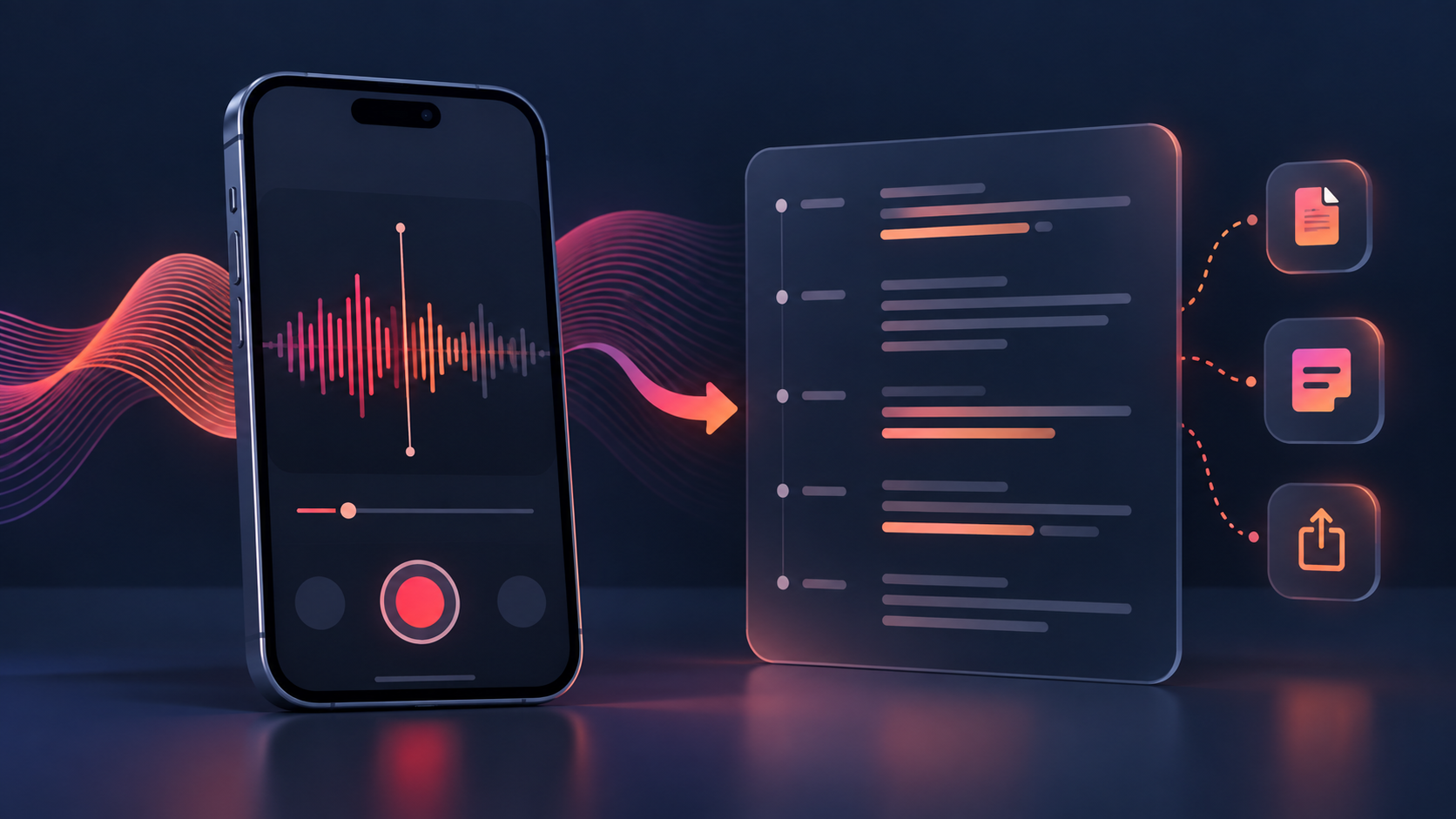
Transcript
Change language, timestamps, or output format to re-render the result without processing the file again.
What this converter supports
This voice memo to text converter is designed for recordings you already have permission to process. It works with common phone and desktop audio files, including iPhone voice memos and Apple Voice Memos exports.
Why it is private
Decoding and transcription happen inside your browser. The audio is not uploaded to a server and there is no account or daily quota. The practical limit is your device's memory and speed.
Voice memo to text questions
Can I transcribe iPhone voice memos?
Yes. Export the memo from the Voice Memos app, choose the resulting audio file, and let the browser process it locally. If a recording came from a chat app, the same workflow can help with a whatsapp voice message to text file after you save the audio to your device.
Can I transcribe Apple Voice Memos to text for free?
Yes. The tool has no sign-up and no daily limit. You can copy the transcript or download it as TXT, SRT, or VTT.
What if the memo contains silence?
Silence is not speech. The tool should report when it cannot detect usable speech instead of inventing a transcript.
Can I convert a voice memo to text without uploading it?
Yes. This page performs the conversion in your browser tab, so the file does not need to leave your device.