Time-aligned text
Timestamped Transcript
Choose an audio or video file in the transcription tool to create text with time markers, then copy or download the result.
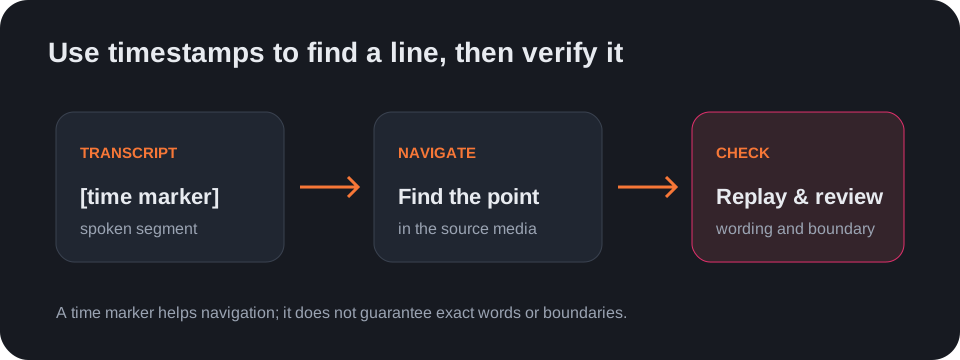
A timestamped transcript helps you locate a spoken line again in its source recording. Use the audio-to-text tool for recordings or the video-to-text tool for video files you have.
How timing appears
With timestamps enabled, the result places a time marker beside transcript segments. You can switch to plain text or export timed output as SRT or VTT after transcription.
What timestamps do not prove
A time marker is a navigation aid, not a guarantee that every word or boundary is exact. Replay uncertain segments, especially around interruptions, pauses, and speaker changes.
Questions
How do I get a timestamped transcript?
Select an audio or video file, run transcription with timestamps enabled, then copy or download the result.
Can I turn timestamps off?
Yes. Switch the output to plain text after transcription.
Can I save a timestamped transcript?
Yes. Download it as TXT, SRT, or VTT from the result controls.