Answer first
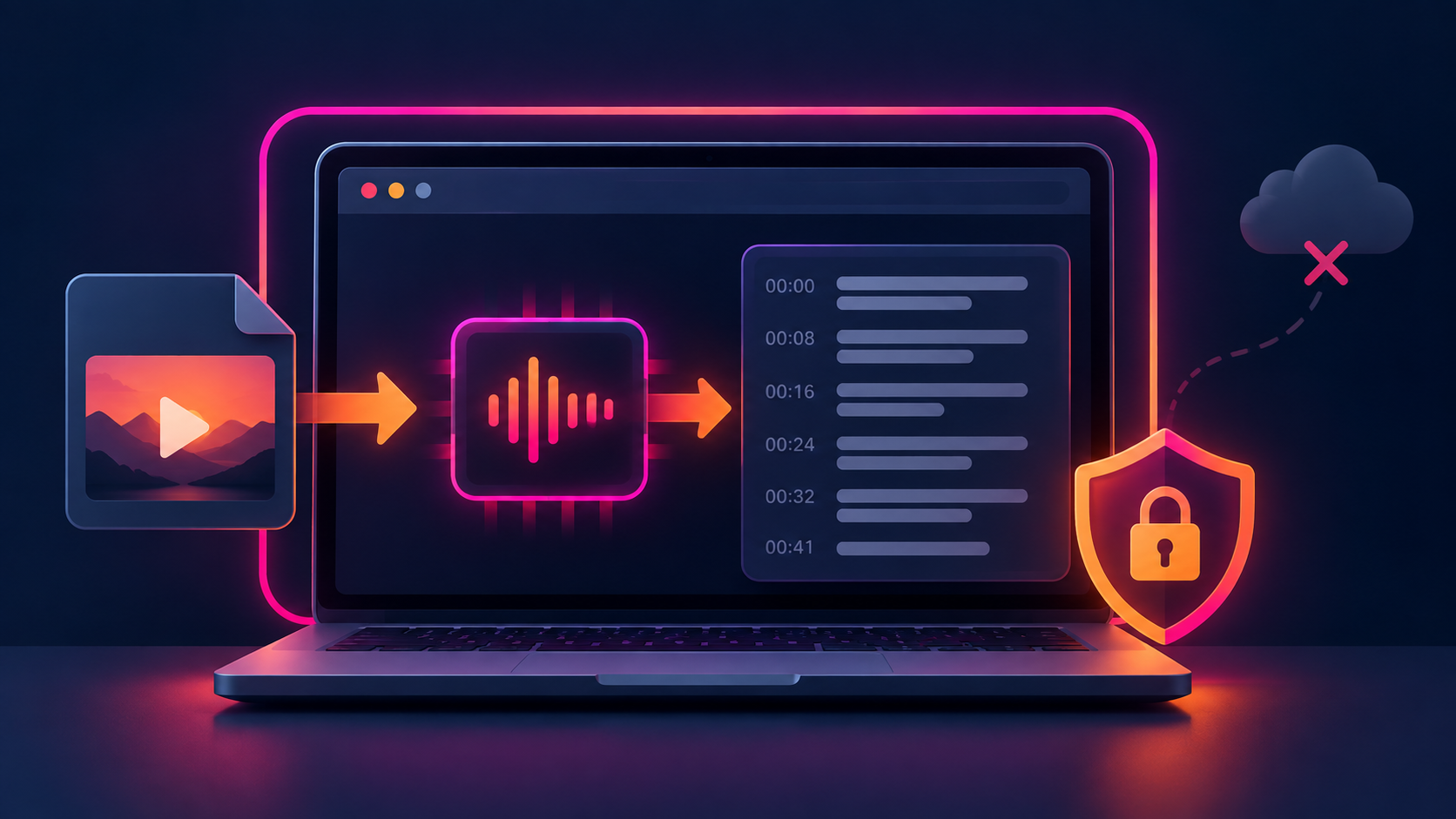
To transcribe an Instagram video without sending it to a server, save the video on your device, open Instagram Transcript, choose the file, and run the transcription. The audio is decoded in your browser, so the file is not uploaded. This is useful for private drafts, client footage, and research files you do not want stored by a third party.
What you need
You need a video or audio file that your browser can decode, such as MP4, MOV, WebM, M4A, MP3, or WAV. A public Instagram URL alone is not enough for this workflow: the browser tool intentionally does not fetch Instagram posts, bypass private accounts, or download media from a link.
Local transcription vs. link transcription
Link-based services are convenient when you only have a public Reel URL and want server-side processing, exports, or long-form workflows. Local transcription is the better fit when the file is already yours and privacy matters more than convenience. It also makes the privacy boundary clear: closing the tab removes the working transcript from the page.
How to get a cleaner result
- Use the clearest copy of the video you have, not a screen recording of a screen.
- Choose the spoken language when auto-detection is uncertain.
- Keep timestamps on when you need to find quotes or create subtitles.
- For subtitles, export SRT or VTT; for notes, TXT is usually easiest to edit.
- Expect weaker results with music-heavy clips, overlapping speakers, or very quiet audio.
What this method does not do
It does not extract text from a private Instagram account, fetch a Reel by URL, or guarantee perfect recognition of on-screen text. It transcribes speech from a file you select. If the words are only visible as stickers or captions, you need an OCR workflow in addition to speech transcription.
Privacy checklist
Before choosing a tool, check whether it asks you to upload the file, whether it retains transcripts, and whether it requires an account. For a local workflow, the strongest signal is that the page can work after loading without sending your file to an application server.